
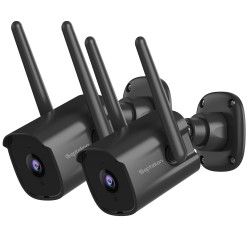
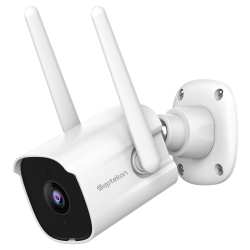
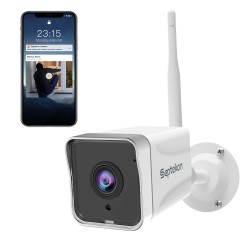
Choose your device to download the Septekon camera app. Check the app name in your camera’s quick-start guide to make sure your model uses Septekon.
Download for your device
iPhoneOpen Septekon in the UK App Store
AndroidGet it on Google Play
WindowsGet it from Microsoft Store
macOSDownload the Mac installer (.dmg)
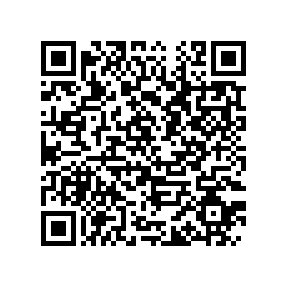
Scan with your iPhone for the UK App Store or with your Android phone for Google Play.
Set up your first camera
- Install Septekon on your phone. Sign in with the account you use for your cameras, or create an account in the app.
- Power on the camera near your router. For Wi-Fi setup, connect your phone to a network supported by your model.
- Choose the option to add a camera in the app and follow your model’s pairing instructions. Check the live view before mounting the camera.
Sign-in and password help
To view your cameras, sign in to the Septekon app. If you forgot your password, use the recovery option on the app’s sign-in screen and enter the email address you used to register.
To check an online order, sign in to your UK store account or reset your store password.
If you still need help with setup or sign-in, contact Septekon support and include your camera model and phone type.